A freer front desk
Members check themselves in, so your staff can focus on people, not lists.
QR check-in
Members enter the gym by scanning a QR code in the GymCon app. Visits are recorded automatically, with no lists and no lost cards.
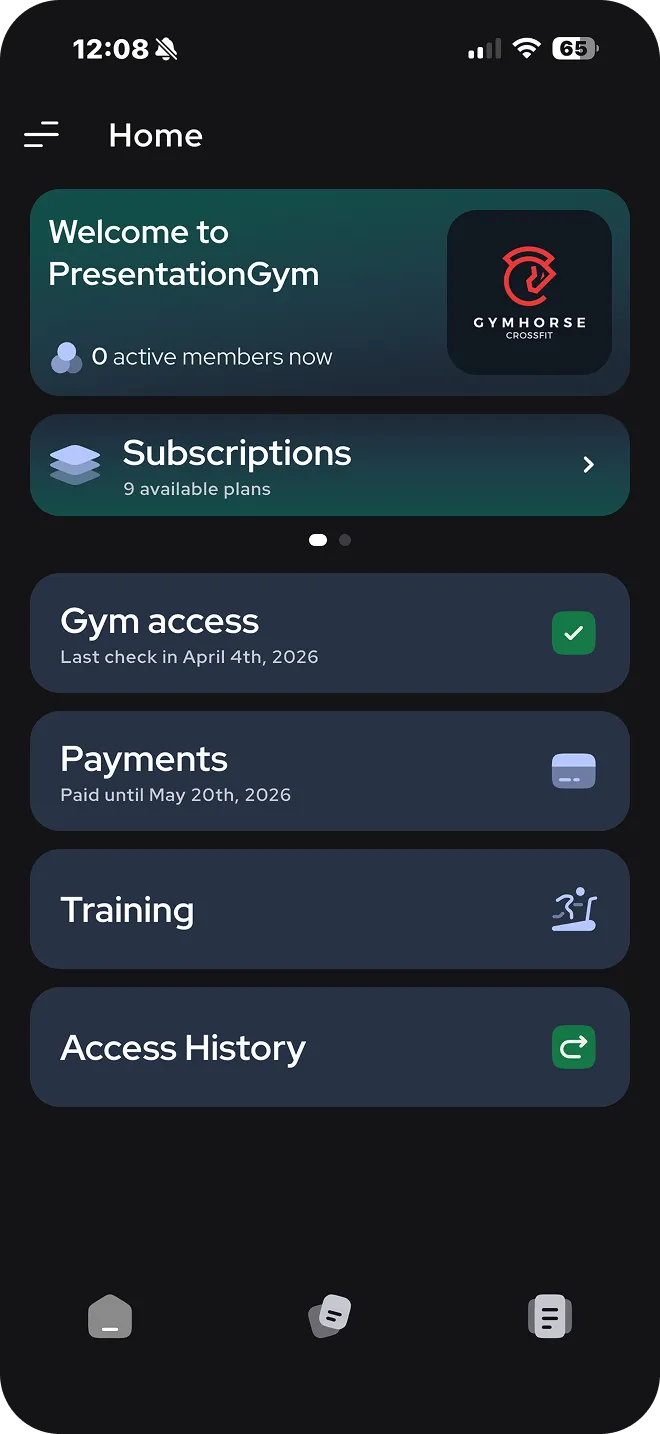
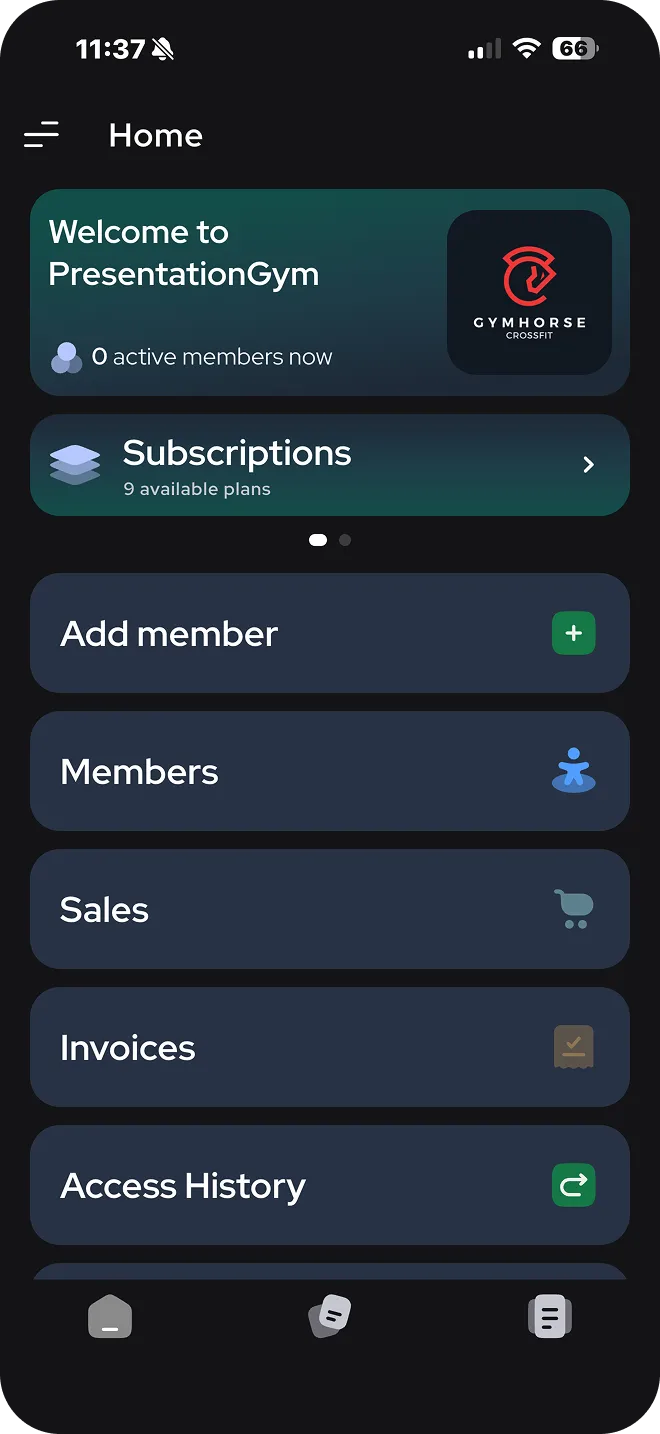
GymCon generates a unique QR code for your gym, which you display at the entrance.
On arrival, the member scans the code with the GymCon mobile app on their phone.
Attendance is recorded automatically, together with the check-in date and time.
Members check themselves in, so your staff can focus on people, not lists.
Every entry stays in the access history, with date and time.
GymCon records both entering and leaving the gym.
See how many members are active and how many visits your gym gets in the dashboard reports.
Just the GymCon mobile app, available on Android and iOS. They use it to scan the QR code displayed at the gym entrance.
Yes. GymCon includes access gate automation, and its API works with solutions based on automatic gate control.
In the GymCon dashboard, in the access history and in the daily, weekly and monthly reports.
Write to us and we will show you how QR check-in works in your gym.
Plans from €80 + VAT per month