Expiring memberships under control
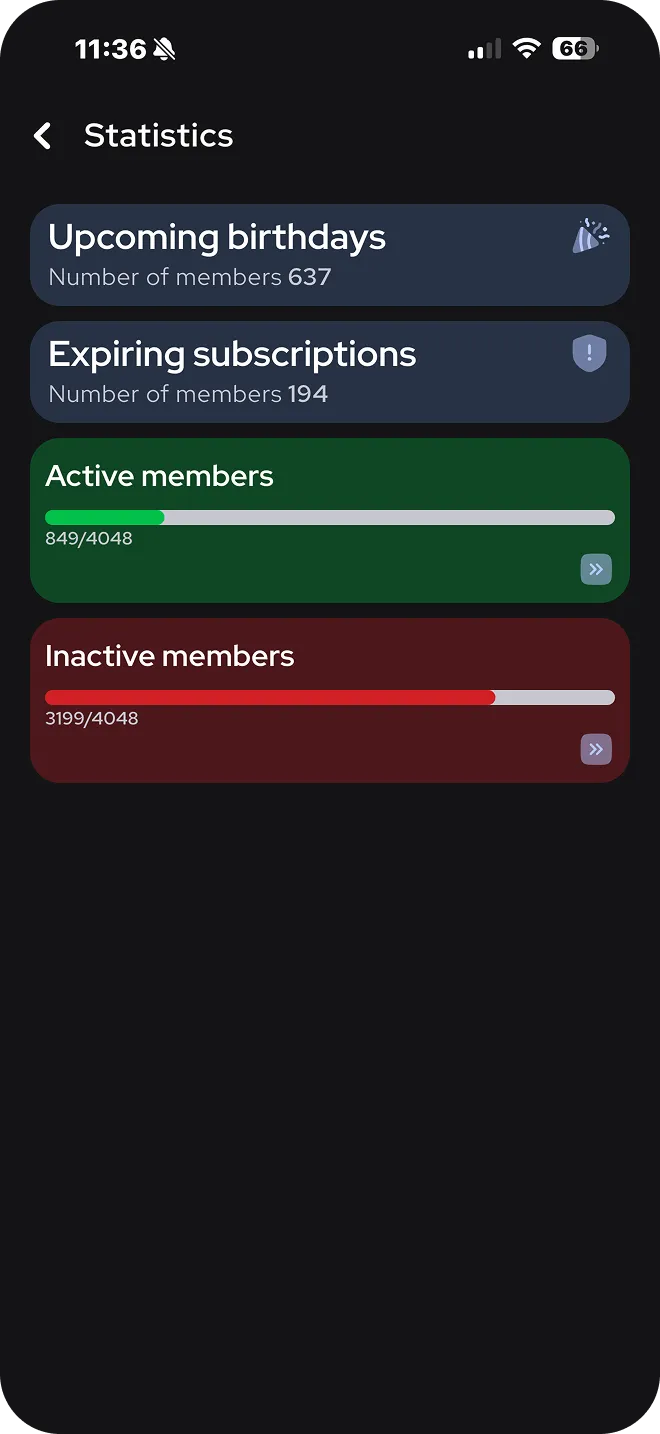
See which memberships expire soon and how many members are active and inactive.
Membership management
Create your membership types once, and GymCon keeps track of who is active, whose membership expires soon and who needs to pay.
In the admin panel you create, edit or delete membership types and set the duration, price and benefits of each.
Members can buy or renew their membership right in the mobile app.
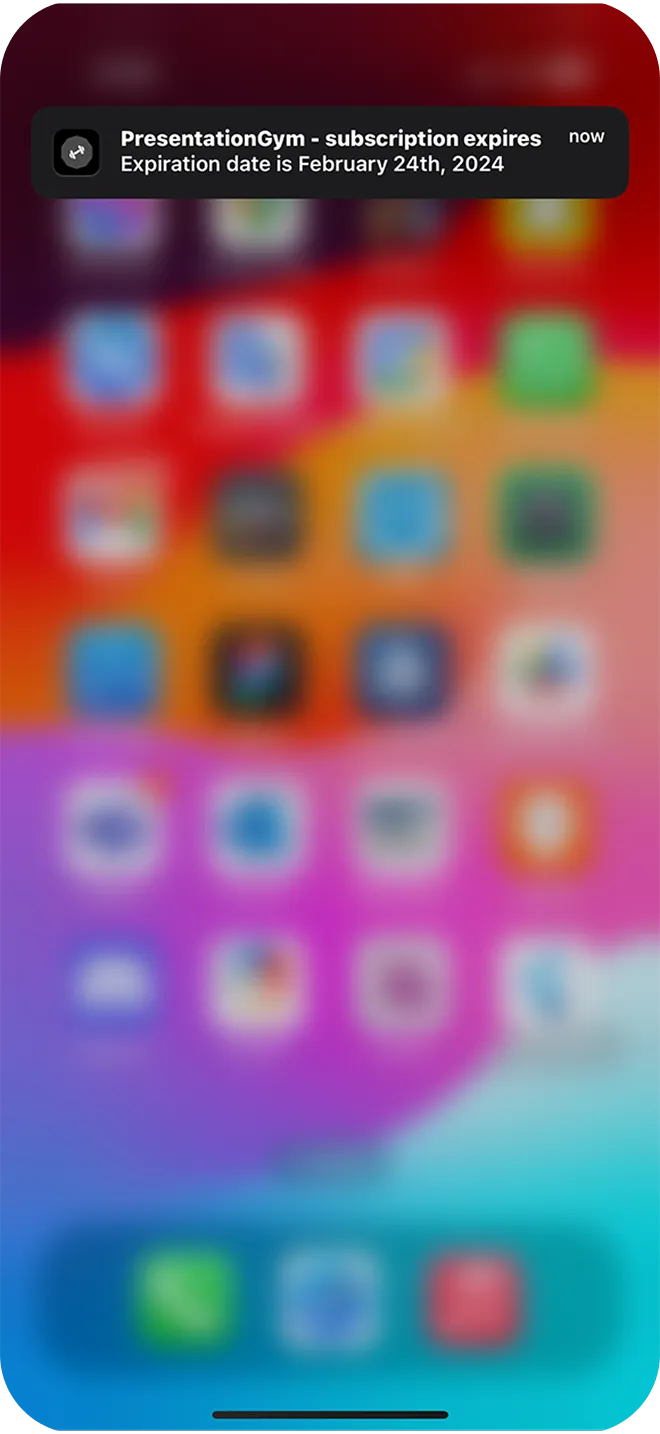
The notification system reminds members about memberships that are about to expire.
See which memberships expire soon and how many members are active and inactive.
Members get a notification and can pay for their membership right in the app.
GymCon includes a card for members with an active membership.
Announce a new offer in the news section and members see it in the app.
From the admin panel you can create, edit or delete membership types and set the duration, price and benefits of each offer.
Yes. GymCon includes a notification system for expired memberships.
Yes. Members can pay for their membership quickly in the GymCon app and see their payment history.
We will show you what membership management in GymCon looks like for your gym.
Plans from €80 + VAT per month